


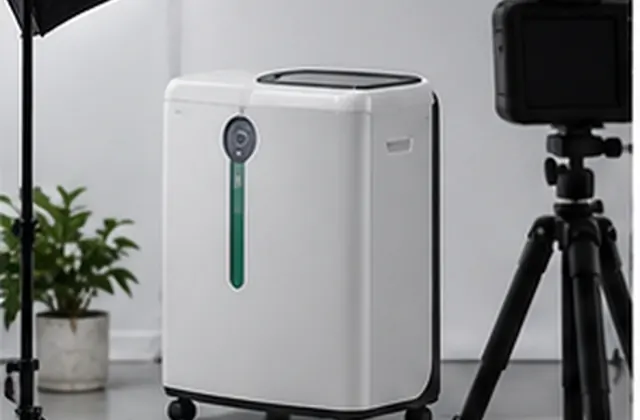
Prepare model-specific records, reviewed images, accessory lists, and packing details before publishing a home oxygen equipment catalogue.
Procurement Guide — General catalogue-planning guidance for distributors, not a verified customer case study, clinical selection advice, or confirmation of market authorization. Images are illustrative. Specifications, availability, accessories, and commercial terms require confirmation for the selected model and order.
A home oxygen equipment catalogue should help a buyer identify the exact product being offered and the information still needed before ordering. Build each entry around a model-specific source record, then add reviewed photographs, confirmed contents, and a clear inquiry route. This guide focuses on organizing the catalogue, not choosing a device or settings for an individual patient.
Write a short brief naming the destination market, distributor audience, publication language, proposed models, and target release date. Separate products ready for the agreed offer from candidates still under review. An internal planning list should not automatically become a public availability list.
Request the applicable specification sheet, manual, configuration list, and product images. Record the file revision and the supplier reference linking each document to the proposed model. If two sources disagree, flag the difference and request clarification before copying either value into the catalogue.
For a comparison table, use consistent field names while retaining the source units, conditions, and qualifications. Ask for the documented delivery mode, output specification, power requirements, dimensions, weight, and other relevant fields. Do not infer a missing value from the model name or a similar-looking device. Keep unresolved fields in the internal review record rather than presenting estimates as confirmed specifications.
A catalogue comparison is not a clinical suitability assessment. Keep operating instructions, placement requirements, and warnings tied to the applicable manufacturer documentation; do not invent simplified setup advice for a lifestyle caption.
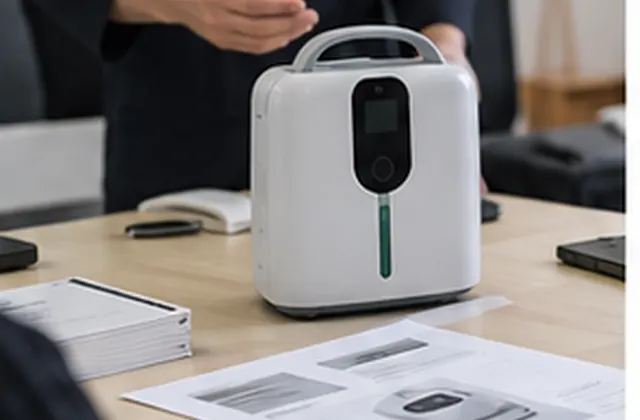
Collect clear views of the actual model and configuration, including controls, connections, and the confirmed accessory set where appropriate. Check usage permission, image revision, and whether a photograph represents a sample or the offered version. Retain the original files so later artwork changes can be traced.
Keep device dimensions and weight separate from carton dimensions, packed weight, and units per carton. Record the confirmed plug version, accessory quantities, document languages, and packing arrangement for each offer. Ask for updated packing information when the configuration changes.
Maintain a separate commercial record for quotation references, minimum quantities, proposed lead times, shipping scope, and service terms. Publish these details only for the scope and validity period actually confirmed. Avoid turning a tentative stock or timing discussion into a standing promise in a downloadable catalogue.
Use this worksheet for every proposed model. Add a source reference, reviewer, date, and next action. It is an editorial preparation record, not evidence that a product is approved for a particular destination.
| Area | Information to document | Check before publication |
|---|---|---|
| Model identity | Model, version, supplier reference | Entry and source files refer to the same product |
| Specifications | Dated model-specific documents | Values, units, conditions, and exclusions match |
| Images | Approved assets and configuration reference | Correct model; optional items clearly identified |
| Accessories | Confirmed pack list and quantities | Included and optional items remain distinct |
| Packing | Carton details and document languages | Device and shipment measurements are separate |
| Product text and translation | Reviewed wording and translated draft | Product statements and their limitations have been reviewed |
| Customer inquiry and publication approval | Contact method and approved document version | Links work; unresolved questions are documented for further review |
Use statuses such as Source needed, Clarification pending, Revise, and Ready for agreed publication scope. Route product claims and destination-specific questions to the appropriate reviewers. Keep incomplete entries out of the release set until the publication decision is recorded.
Check the final PDF or web page rather than only the drafting file. Inspect mobile readability, image captions, model references, and inquiry links. Give the catalogue a revision identifier and retain the reviewed source pack. Update the release when a model, configuration, document, or commercial scope changes, and notify the people distributing the previous version.
For a focused supplier inquiry, send the proposed model list, destination, channel, language needs, quantity range, required images, and missing specification or packing fields. Ask which materials are available and which details still need confirmation before publication.
Discuss your home oxygen catalogue requirements or return to Buyer Guides & Use Cases.
AI support
NORYLUME can help match oxygen and hydrogen equipment by product line, quantity, destination market, certification needs, and OEM requirements.