


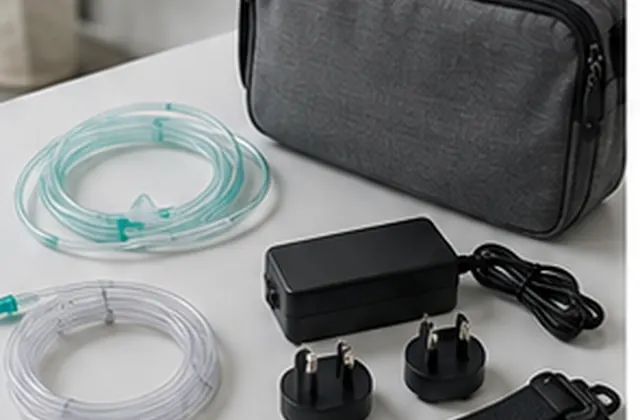
Separate included and optional accessories, confirm model compatibility, and record quantities, quotation scope, and substitutions before ordering.
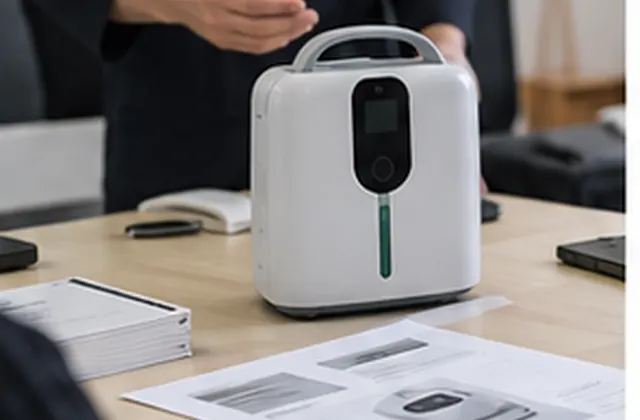
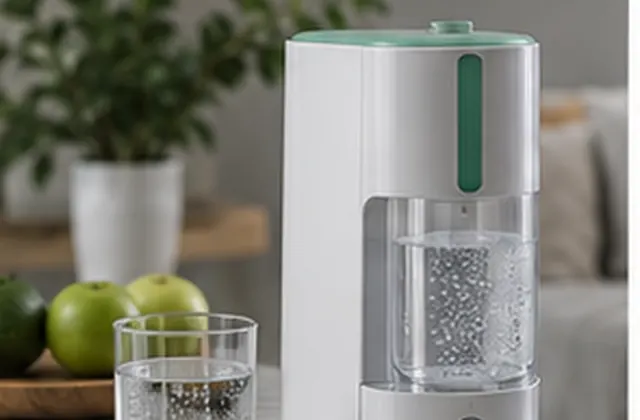
Procurement Guide — General accessory planning guidance, not a verified customer case study. Images are illustrative and do not define the contents of an order. Confirm accessory availability, compatibility, quantities, and commercial terms for the selected model in writing.
A clear accessory list connects each item to a specific device configuration and quotation line. Use this guide to distinguish what comes with the device, what is optional, and what remains unresolved before ordering. The examples below are questions to raise, not a statement that every item is available or suitable for every product.
Request an itemized list for the exact model and version. Give each accessory a name and, where available, a part reference. Avoid relying on a photograph or a general phrase such as “complete set” to define what will be supplied.
Provide the device model, version, and the relevant manufacturer part references or documentation. Ask for a written compatibility reference for the proposed combination. Treat a similar appearance or a matching connector as insufficient evidence on its own.
This is a purchasing checklist, not an installation or clinical selection guide. Follow the applicable manufacturer instructions and obtain qualified assistance where needed. Leave compatibility marked Pending confirmation until the relevant evidence is available; do not improvise an alternative connection or substitute an unconfirmed part.
Record both the quantity per device and the total order quantity. State the unit of purchase: one piece, one pair, or a defined kit. If a kit is proposed, list its contents rather than counting it as an unspecified bundle.
Start with the device model/version, destination, device quantity, quotation reference, reviewer, and date. Use one record for each accessory or defined kit. The table below is a worksheet structure, not a completed compatibility or inspection report.
| Field | What to confirm | Record |
|---|---|---|
| Item identity | Name, part reference, version | Supplier reference and document |
| Order scope | Included, optional, replacement, or excluded | Quotation line and status |
| Compatibility | Exact device and approved combination | Evidence reference, or Pending confirmation |
| Quantity | Unit, quantity per device, total | Confirmed count and kit contents |
| Commercial terms | Price scope, availability, timing | Dated quotation and open questions |
| Packing | With device or separately packed | Packing list and label reference |
| Changes | Any proposed substitution | Reviewer, written decision, version |
| Receipt | Received identity, count, condition | Observation and issue reference |
Use explicit statuses such as Confirmed against reference, Pending confirmation, Excluded, or Not applicable. Assign an owner and a next action to each open question. A quoted price does not, by itself, confirm compatibility.
Keep the approved accessory list with the order. If a supplier proposes a different part, version, or kit, ask for the reason, the updated compatibility reference, and any effect on price, packing, or timing. Agree on who must approve the change in writing before it is treated as accepted.
At receipt, compare item references, quantities, and visible condition with the agreed list. Record missing items, unexpected substitutions, or damage using an issue reference and appropriate photos. Separate receipt observations from compatibility approval: receiving an item does not establish that it is suitable for the device. Seek clarification before using an unconfirmed item.
Send the model/version, destination market, device quantity, accessory names or part references, quantities per device, and any replacement-item needs. Include your current list or quotation reference and identify what remains uncertain. Ask for confirmation of compatibility, availability, included versus optional scope, and the proposed packing arrangement.
Discuss your accessory requirements or return to Buyer Guides & Use Cases.
AI support
NORYLUME can help match oxygen and hydrogen equipment by product line, quantity, destination market, certification needs, and OEM requirements.