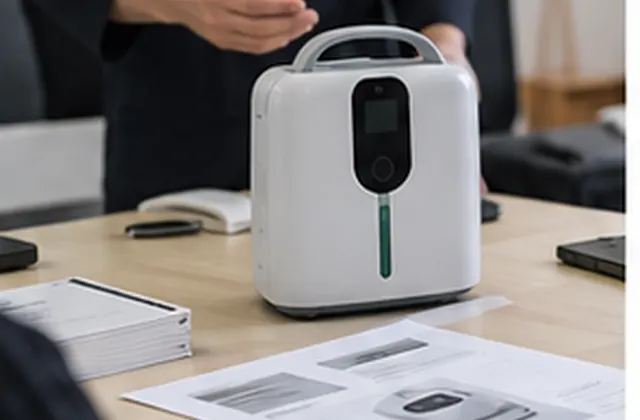



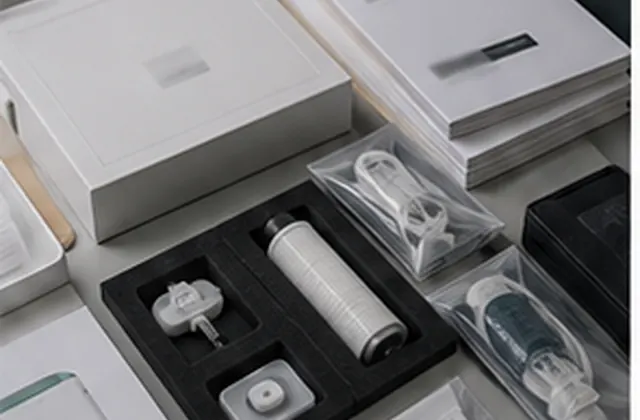
Organize product records, manuals, support contacts, service terms, and issue-reporting requirements before an equipment shipment.
Procurement Guide — General support-planning guidance for equipment buyers and distributors, not a verified customer case study or a warranty policy. Images are illustrative. Service scope, parts availability, costs, and response arrangements require written confirmation for the selected model and order.
Before shipment, buyers can organize the information that a distributor or support contact will need after delivery. Start with the exact product configuration, agree who receives questions, and record the documents and service terms that apply to the order. This guide is a preparation checklist, not device operating instructions or a promise of a particular support outcome.
Create an order reference that connects the model and version to its included accessories, power accessory, plug version, packaging, and document revisions. Ask how serial or batch references will be supplied where applicable. Keep optional items separate from the confirmed contents so that the receiving team can distinguish an omitted item from something that was never ordered.
Request the applicable manual, accessory list, relevant product documents, and supplier-approved support materials. Record the model, language, revision, and source of each file. Confirm which documents accompany the shipment and which are supplied digitally.
Assign reviewers for translated instructions and support wording before distributing them. Keep draft translations and superseded manuals out of the active document folder. Distributor notes should point to the applicable manufacturer instructions rather than introduce unverified operating, maintenance, or repair steps.
Identify the buyer-side contact, supplier contact, and route for questions that require further review. Separate acknowledging a request from diagnosing an issue, authorizing a return, or approving a replacement. Ask which party can make each decision and what information they need.
Keep unresolved terms visible in the order discussion. Do not turn an informal conversation into a published promise of free replacement, worldwide repair, or a guaranteed response time.
Assign an owner and status to each item. The worksheet records preparation and open questions; it does not confirm that every service listed is available.
| Area | Record to prepare | Confirmation needed |
|---|---|---|
| Product identity | Order, model, configuration references | Identification method and final included items |
| Documents | Manuals, languages, file revisions | Applicable versions and delivery method |
| Contacts | Buyer and supplier support contacts | Responsibilities and escalation route |
| Service terms | Written warranty and service scope | Conditions, exclusions, authorization process |
| Parts | Model-specific item references | Compatibility, availability, price, lead time |
| Issue reporting | Required order details and evidence | Reporting channel and case owner |
| Returns and costs | Proposed handling arrangements | Approval, destination, cost responsibility |
Use statuses such as Confirmed for this order, Pending clarification, or Not applicable. Add the source reference, review date, and next action. If a term changes, update both the order record and the material used by your customer-facing team.
Agree a reporting format before the first shipment. Describe what was observed without treating a suspected cause as a diagnosis. Useful fields include the order reference, model, serial or batch reference where applicable, affected quantity, date noticed, and relevant displayed messages. State whether the question concerns delivery, missing contents, documentation, or product behaviour.
Include relevant photographs or files only when requested through the agreed channel. Limit them to the product and issue: exclude patient information, unrelated people, passwords, and other unnecessary personal details. Do not ask customers to open equipment or reproduce a potentially unsafe condition simply to obtain evidence. Route operating or safety questions to the applicable instructions and designated qualified support contact.
Track the case owner, supplier response, agreed next step, and closure record. A submitted report does not itself authorize a return, repair, refund, or replacement.
For a new order, send the proposed model, destination, quantity range, manual languages, distributor support setup, and questions about parts or service terms. For an existing order, start with the order and product reference and ask for the appropriate reporting channel. Keep procurement requests separate from individual service cases so that the responsible team can review the right information.
Discuss your support preparation requirements or return to Buyer Guides & Use Cases.
AI support
NORYLUME can help match oxygen and hydrogen equipment by product line, quantity, destination market, certification needs, and OEM requirements.