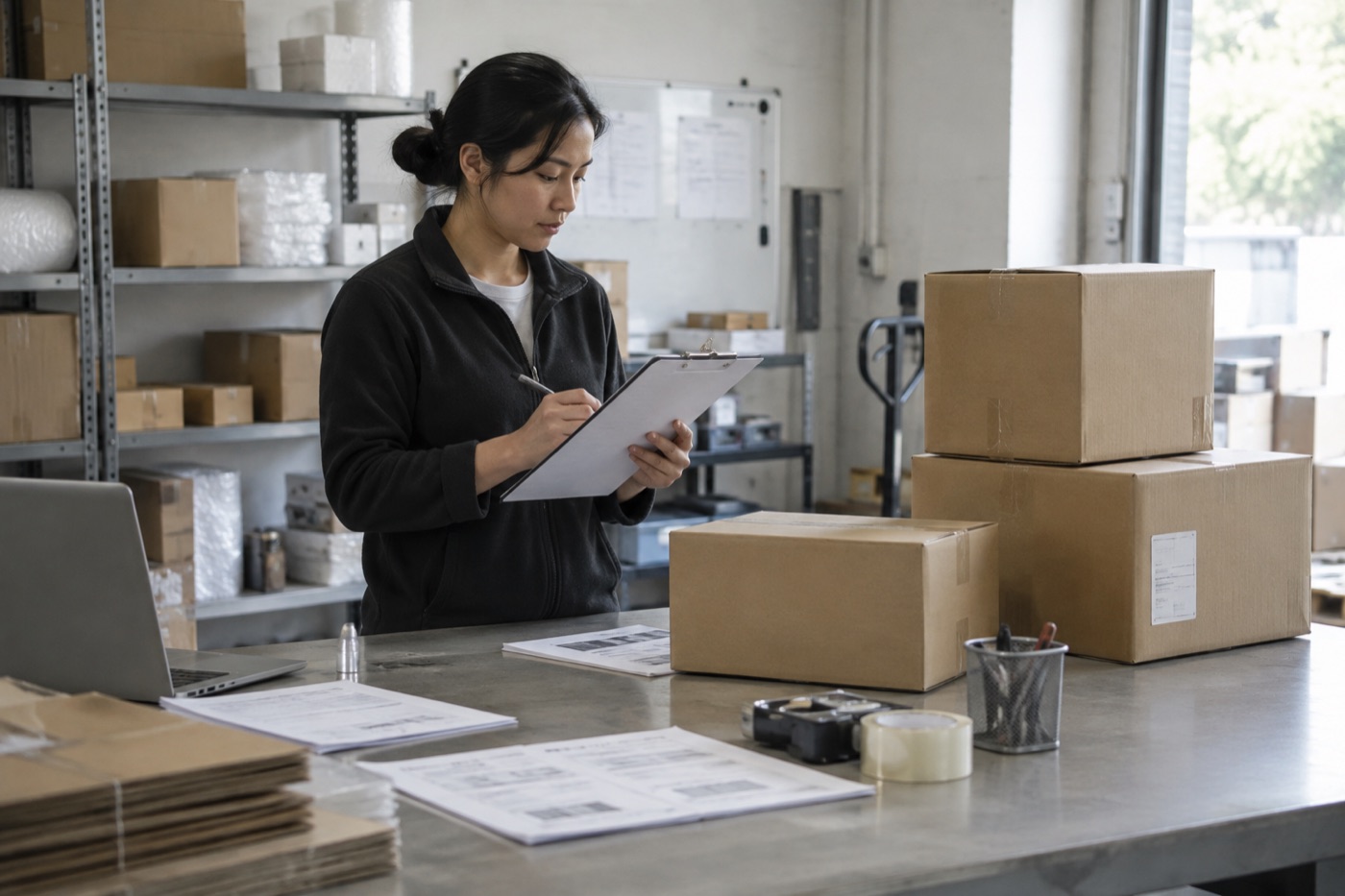



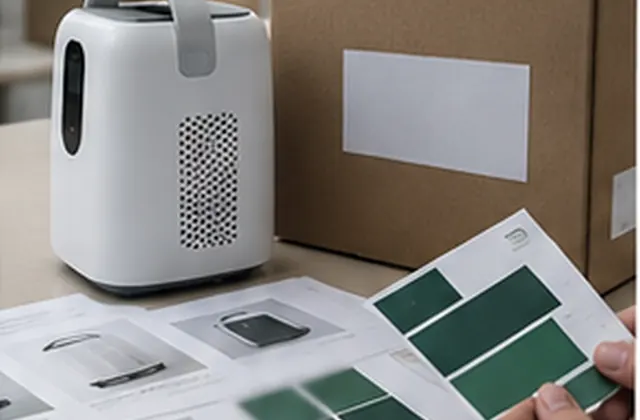
Define your base model, separate customization requests, and organize artwork, quotations, sample approvals, and production revisions in one OEM brief.
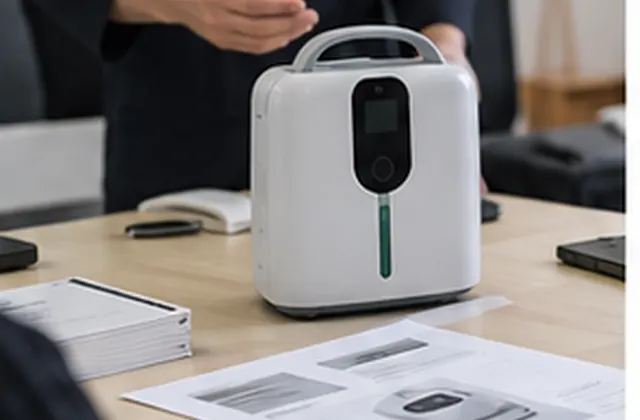
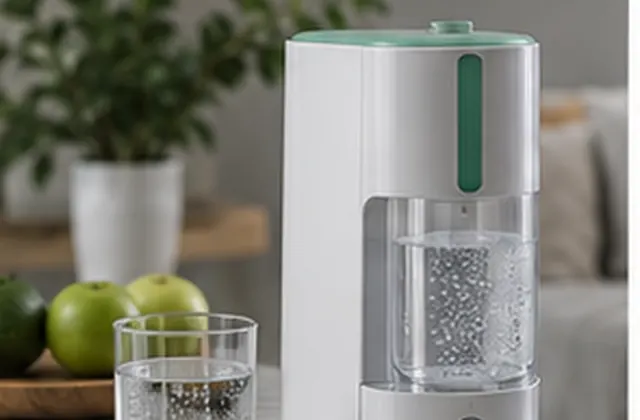
Procurement Guide — General planning guidance for OEM and private-label inquiries, not a verified customer case study. Images are illustrative. Customization options, minimum quantities, costs, documentation, and schedules require written confirmation for the selected model and order.
A useful OEM brief separates the standard product from the changes you want to request. A logo mockup is not confirmation that a configuration can be manufactured, and a quotation for one version should not be treated as approval for another. Use this guide to record the proposed scope, collect supplier responses, and keep sample and production decisions aligned.
Identify the model, version, intended destination, sales channel, quantity range, and preferred timeline. Record the standard specifications and included items before discussing changes. If the base model is still undecided, keep each candidate in a separate record so that photographs, quotations, and accessory lists do not become mixed.
List each requested change individually. Branding, packaging, accessory bundles, and changes to the device itself need separate feasibility responses. Do not assume that a private-label option includes a different enclosure, power system, control interface, or performance specification.
Ask which file formats, templates, dimensions, and colour references the supplier needs before producing final artwork. Include a revision identifier on each file and assign one person to consolidate feedback. Confirm that your team has permission to use the supplied brand assets.
Keep visual mockups separate from approved production files. Have the relevant reviewers check model names, specifications, translated text, warnings, and contact information. Do not add certification marks, approval statements, or performance claims simply because they appear on a reference design. Ask what model-specific evidence and review are needed before including them.
Use the worksheet below to collect a written response for each request. This is a planning record, not a list of customization services confirmed as available from NORYLUME.
| Requested area | Buyer input | Confirmation to request |
|---|---|---|
| Logo and marking | Artwork, position, size, colour | Feasibility, method, proof reference |
| Packaging and manuals | Templates, languages, pack list | Available options, reviewed file revisions |
| Accessories and configuration | Item references and quantities | Compatibility, included and excluded items |
| Device changes | Requested difference from base model | Review needed, feasibility, evidence gaps |
| Quantity and costs | Initial order and variant split | MOQ basis, unit price, separate charges |
| Samples and schedule | Approval needs and target dates | Sample scope, dependencies, proposed milestones |
| Production release | Final configuration and file set | Approval owners, references, open issues |
Ask whether minimum quantities apply per model, colour, artwork version, or order. Record sample, setup, tooling, translation, and packing charges separately where applicable; do not assume they are included in the unit price. If tooling is proposed, clarify ownership, storage, maintenance, and reuse arrangements in the agreement.
Give each item a status such as Requested, Under review, Confirmed for quoted scope, or Not available. Record the response date, quotation reference, responsible contact, and any conditions. A preferred delivery date should remain provisional until the relevant dependencies are confirmed.
Agree what the approval sample or proof represents. A digital packaging proof does not verify the physical device, and a standard sample may not represent the final branded configuration. Record what was checked, what remains unverified, and whether another review is required.
Send the base model, destination, channel, quantity range, requested changes, artwork status, language needs, and target timeline. Identify which items are essential and which can follow the standard configuration. Ask for a response that separates confirmed options, requests needing review, unavailable changes, and separately quoted work.
Discuss your OEM requirements or return to Buyer Guides & Use Cases.
AI support
NORYLUME can help match oxygen and hydrogen equipment by product line, quantity, destination market, certification needs, and OEM requirements.