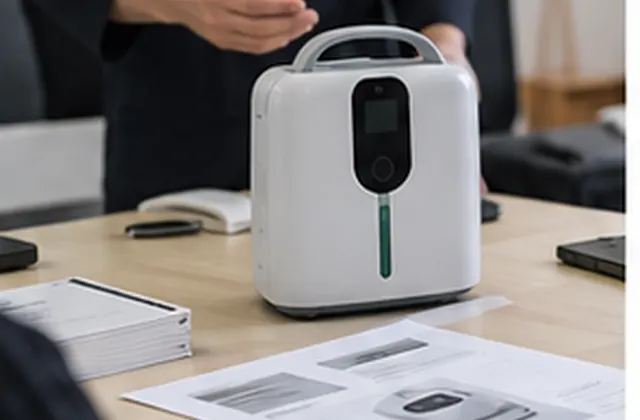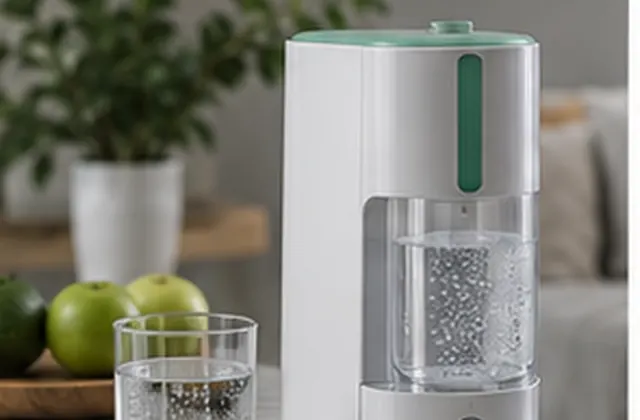




Match requirements to the exact model, review parameter conditions and source documents, and record open questions before order approval.
Procurement Guide — General specification review guidance for distributor and sourcing teams, not a verified customer case study or test report. Images are illustrative. Confirm every requirement against the selected model, applicable documents, and written quotation.
A useful specification review connects each buyer requirement to an exact model, configuration, and source document. Use this guide to separate supplier-listed information from verified results and unresolved questions before sampling or ordering. It does not establish product performance, certification, or suitability for an individual user.
Start a review record with the supplier’s model reference, product version, quotation reference, destination market, review date, and responsible contacts. Ask which details apply to the quoted unit rather than the wider product family.
For each parameter, request the value, unit, operating condition, and source. Ask whether the figure is a nominal rating, an adjustable range, a maximum, an estimate, or a result from a specified test. Do not fill missing conditions with assumptions.
Record what the supplier states separately from the evidence supplied. A catalogue entry, photograph, or successful power-on check should not be recorded as an independent performance verification. Request the relevant report or document and identify the reviewer responsible for checking its scope.
When documentation is offered, check the model identifier, issuing organization, document date or revision, stated scope, and configuration covered. Ask for clarification when a file refers to another model or when key pages are missing. A document being available does not by itself confirm suitability for your destination market or intended use; arrange the appropriate specialist review where needed.
Keep the model, quotation reference, reviewer, and date above the worksheet. The entries below describe what to collect; they are not completed product specifications or test results.
| Review item | Requirement and source | Record and status |
|---|---|---|
| Model and version | Quoted variant; specification sheet and label | Matching identifiers; unresolved differences |
| Output and mode | Value, unit, settings, operating conditions | Source reference; questions for supplier |
| Power and battery | Power accessory, plug, battery option if applicable | Included configuration; runtime evidence if requested |
| Size, weight, and noise | Measurement scope, units, conditions | Listed or measured; report reference |
| Accessories | Item references, quantities, compatibility confirmation | Included, optional, or excluded |
| Manual and supporting files | Model applicability, language, revision, scope | Received files; missing items; reviewer |
| Independent verification | Agreed method, conditions, acceptance criteria | Report reference, or Not verified |
| Changes and approval | Differences from the reviewed configuration | Owner, decision, approved revision, date |
Use statuses such as Confirmed against source, Pending supplier confirmation, Not verified, and Not applicable. “Confirmed against source” means the record matches the identified document; it does not mean the underlying performance has been independently tested. Assign an owner and next action to each open requirement.
If the quotation, manual, product listing, and sample label disagree, list the differences and request a written correction or explanation. Do not silently choose the most favorable figure. Keep unresolved mandatory requirements visible before approving the order.
Identify the agreed specification revision and ask the supplier to acknowledge the configuration in the order documents. Record any sample-to-bulk differences. If a model, component option, accessory, label, or document revision changes, request a review of its effect on the agreed scope, price, timing, and any verification already performed.
Send the model of interest, destination market, intended purchasing context, quantity range, required configuration, and relevant document references. Separate mandatory requirements from preferences. Include a short list of conflicting or missing details and ask which items can be confirmed now, which require review, and which are separately quoted.
Discuss your specification requirements or return to Buyer Guides & Use Cases.
AI support
NORYLUME can help match oxygen and hydrogen equipment by product line, quantity, destination market, certification needs, and OEM requirements.