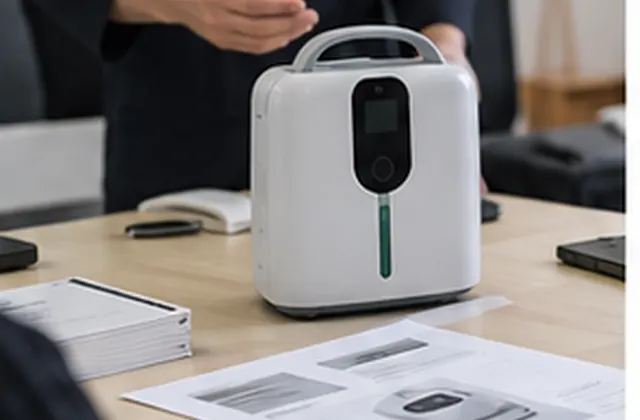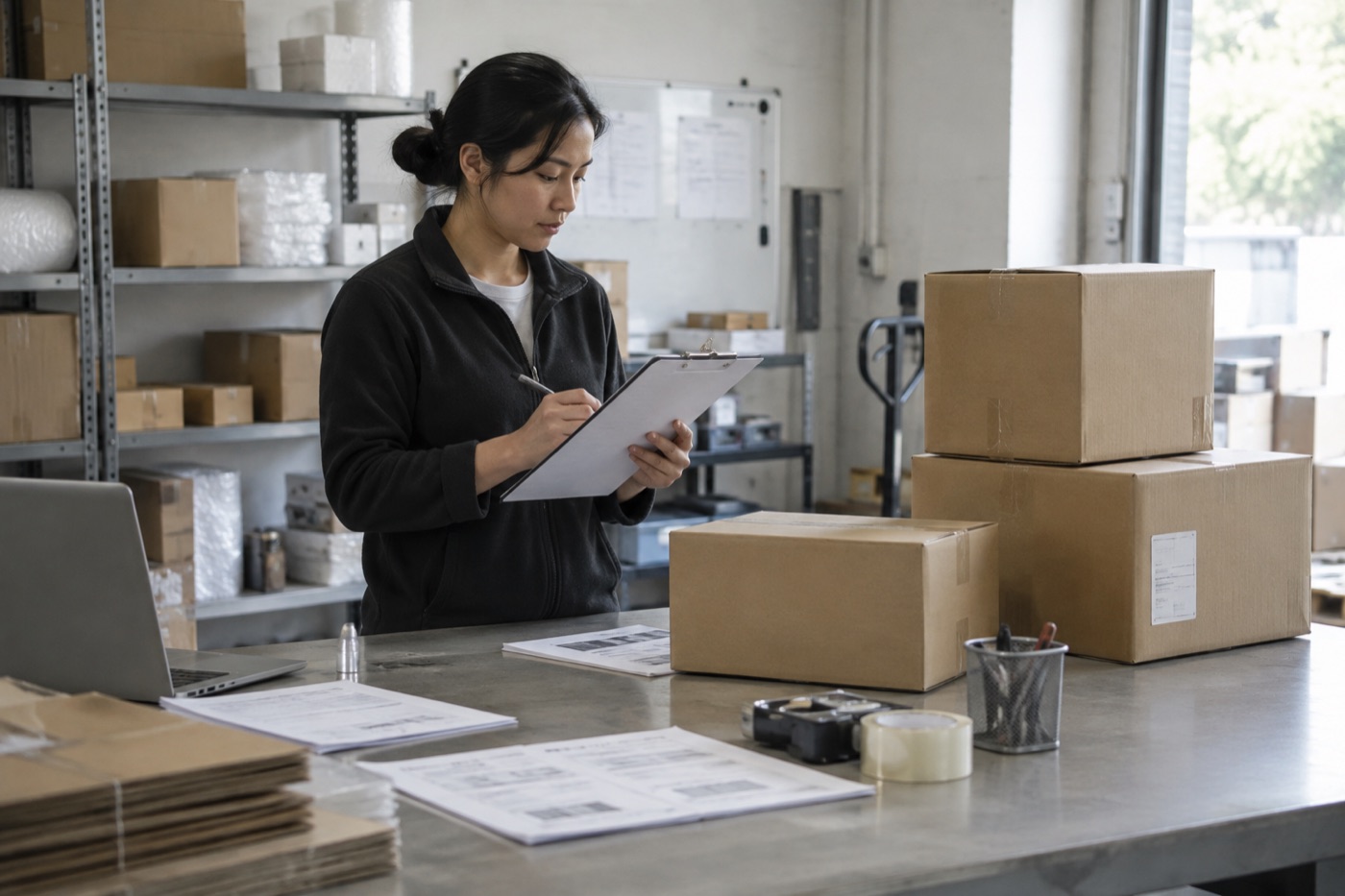



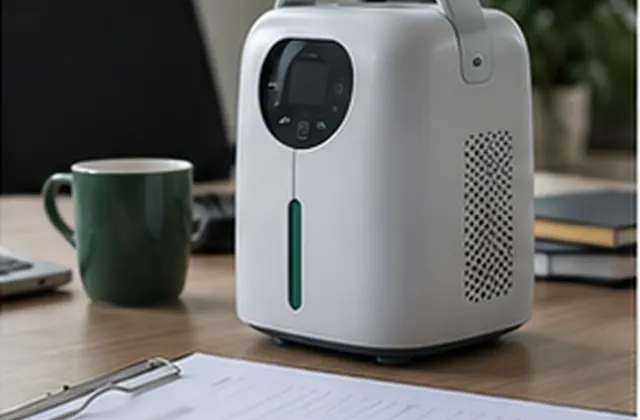
Plan a sample review, check the received configuration, record open questions, and confirm what carries over to a bulk order.
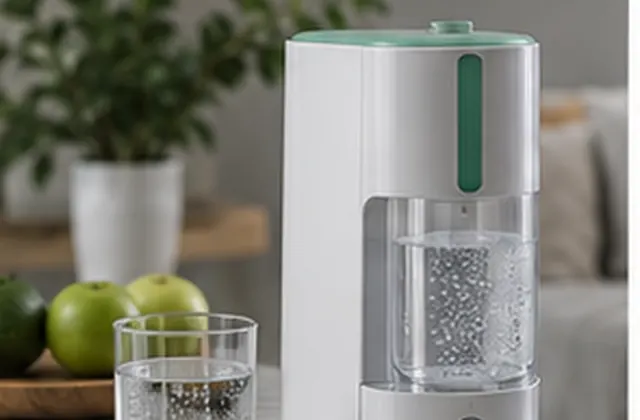
Procurement Guide — General guidance for distributor and sourcing teams, not a verified customer case study. Scene images are illustrative. Confirm all requirements against the selected model and the written quotation.
A sample review should end with a clear record of what was received, what was checked, and what still needs confirmation. Use this guide to organize a portable oxygen equipment sample review before discussing a larger order. It does not provide clinical advice or establish product performance, certification, or suitability for an individual user.
Send the supplier a short buyer brief. Separate required specifications from preferences, and ask for written confirmation of any item that affects your purchasing decision.
Keep the quotation, order confirmation, and packing list together. At receipt, record the delivery date and photograph the outer packaging, labels, contents, and any visible damage. Avoid including personal information in photos shared externally.
Only carry out routine operation checks described in the manufacturer’s instructions and appropriate to the reviewer’s training. If the sample is damaged, the power accessory is uncertain, or instructions are missing, pause the review and seek clarification. Do not improvise connections, open the housing, bypass safeguards, or use a procurement sample to evaluate treatment on a person.
Record observable items such as supplied controls, labels, displayed information, and the documented operating sequence. A device powering on, a normal-looking display, or a buyer’s impression does not verify output performance, electrical safety, regulatory compliance, or clinical suitability. Where independent testing is needed, agree on qualified reviewers, suitable equipment, methods, and acceptance criteria separately. Mark any untested requirement as Not tested.
Start the record with the model/version, sample identifier, date, reviewer, and quotation reference. Use the table below as a worksheet structure. The final column describes what to record; it is not a completed test result.
| Check | Reference | Record |
|---|---|---|
| Model and version | Order confirmation and device label | Received identifiers; any mismatch |
| Packaging and condition | Agreed packing requirements | Observations; photo references |
| Accessories | Packing list and quotation | Items and quantities; omissions |
| Power accessory | Order and model instructions | Label details; pending clarification |
| Manual and documents | Requested document list | Version, language, missing files |
| Routine operation | Manufacturer instructions | Checks performed; observations |
| Performance requirements | Separately agreed test plan | Report reference, or Not tested |
| Open issues | Issue log | Owner, next action, review date |
For each requirement, use a clear status: Confirmed against reference, Needs clarification, Not tested, or Not applicable. Keep the actual observation separate from the supplier’s explanation, and retain the reference document used for the decision.
Do not assume that an accepted sample fixes every detail of a future order. Before purchasing, confirm the production model/version, included accessories, labels, manual language, packaging, and any customization in writing. Record differences from the sample, unresolved questions, and who must approve them.
Confirm pricing, quantities, proposed lead time, shipping terms, and after-sales arrangements in the current quotation or agreement. This guide does not promise availability, a delivery date, a warranty scope, or a particular certification.
For a focused discussion, provide your destination market, product/model of interest, sample or order quantity, required accessories, document questions, and planned timeline. If you have already reviewed a sample, include its reference and a short list of unresolved items. Request confirmation of availability and scope rather than assuming that every option can be supplied.
Discuss your sample requirements or return to Buyer Guides & Use Cases.
AI support
NORYLUME can help match oxygen and hydrogen equipment by product line, quantity, destination market, certification needs, and OEM requirements.